Android App

My Smart Gallery

A privacy-focused photo gallery that helps you browse, organize, and protect your photos — while freeing up space on your phone. Your photos stay in your own cloud account (Google Drive, OneDrive, and more to come!), not on our servers.

No Nestria account required · No ads · Photos stay on your device & cloud. Privacy Policy · Terms

See My Smart Gallery in action

Real screenshots from the app — gallery, albums, maps, tagging, and sovereign cloud storage.

Short walkthrough of My Smart Gallery. Prefer the store listing? Open it on Google Play.

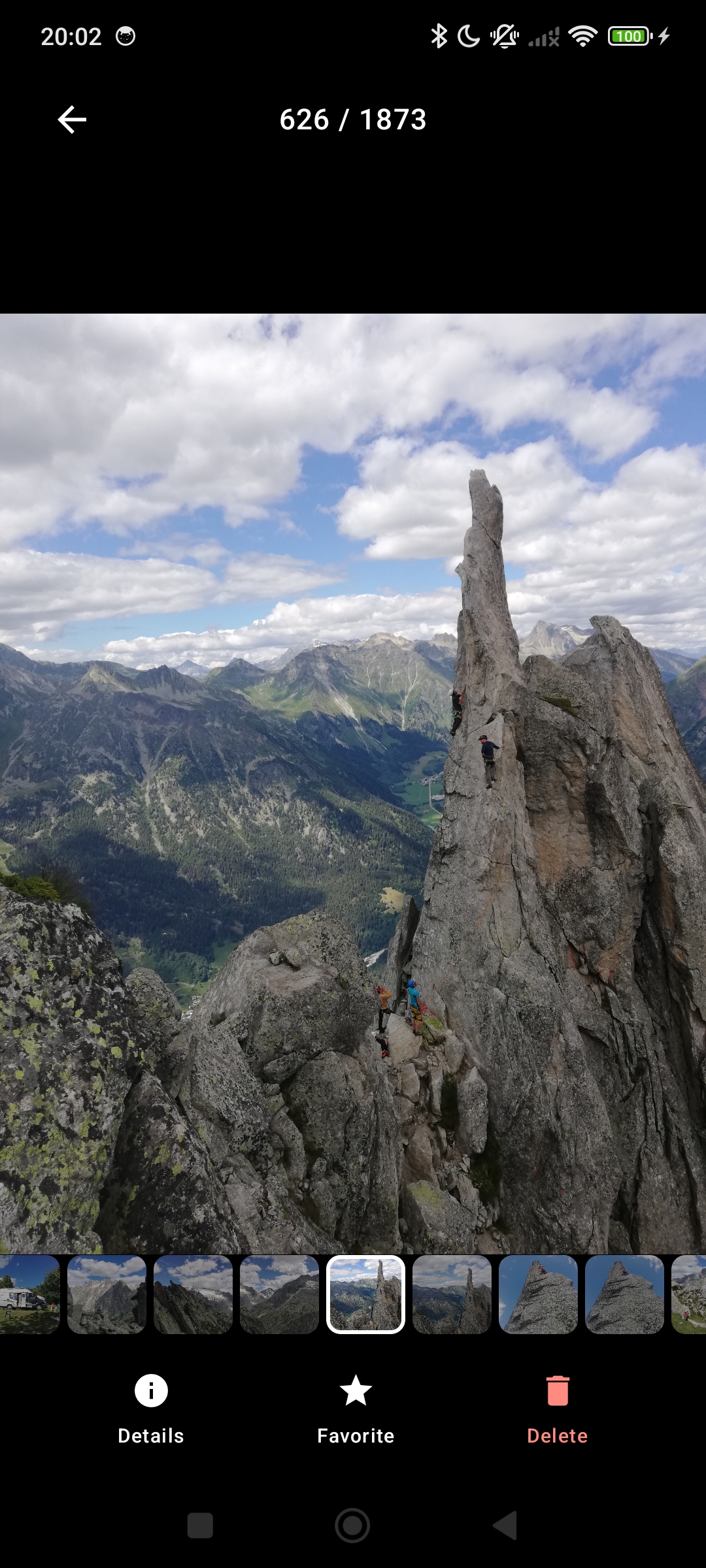
Browse & organize

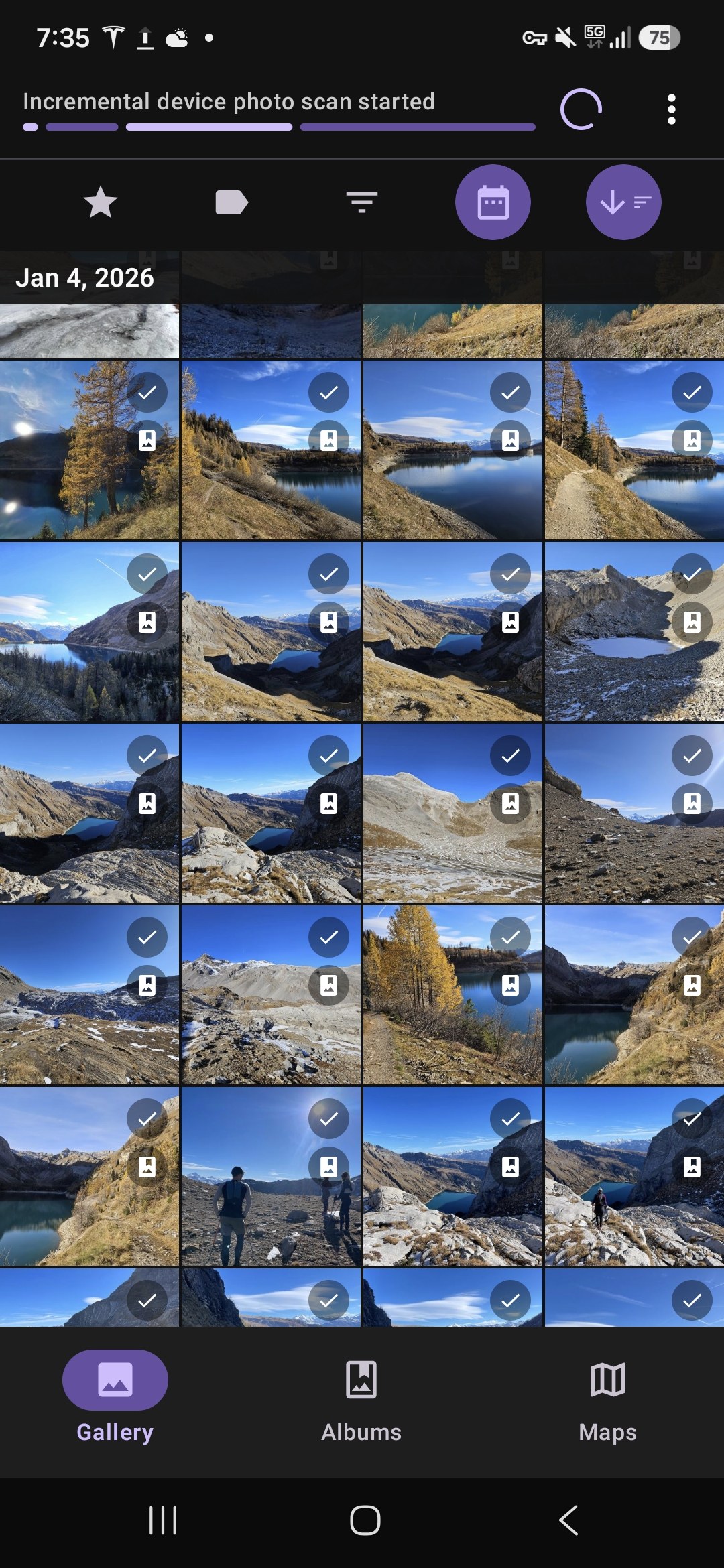
View and organize photos from your device in a clean, easy-to-use gallery.

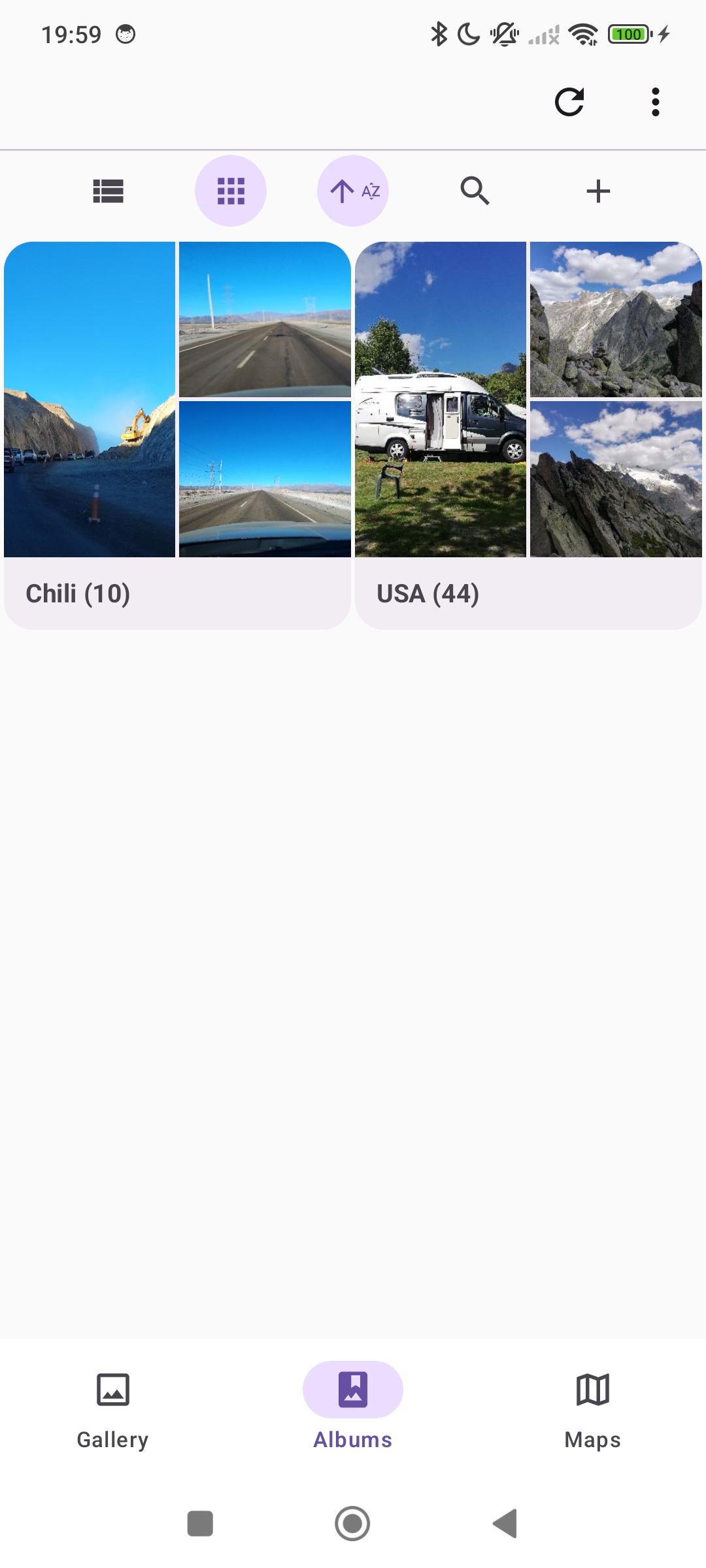
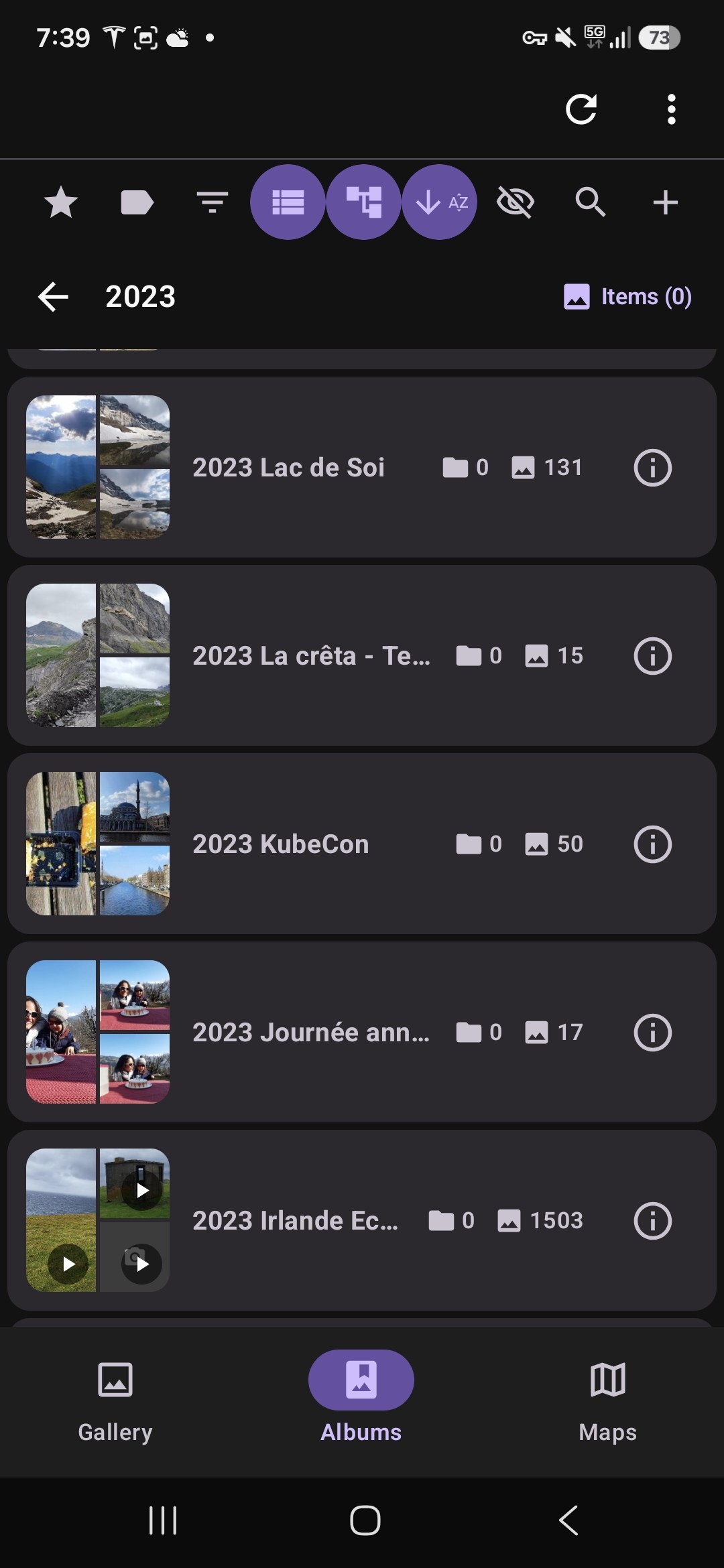
  • Create albums and browse with a photo grid
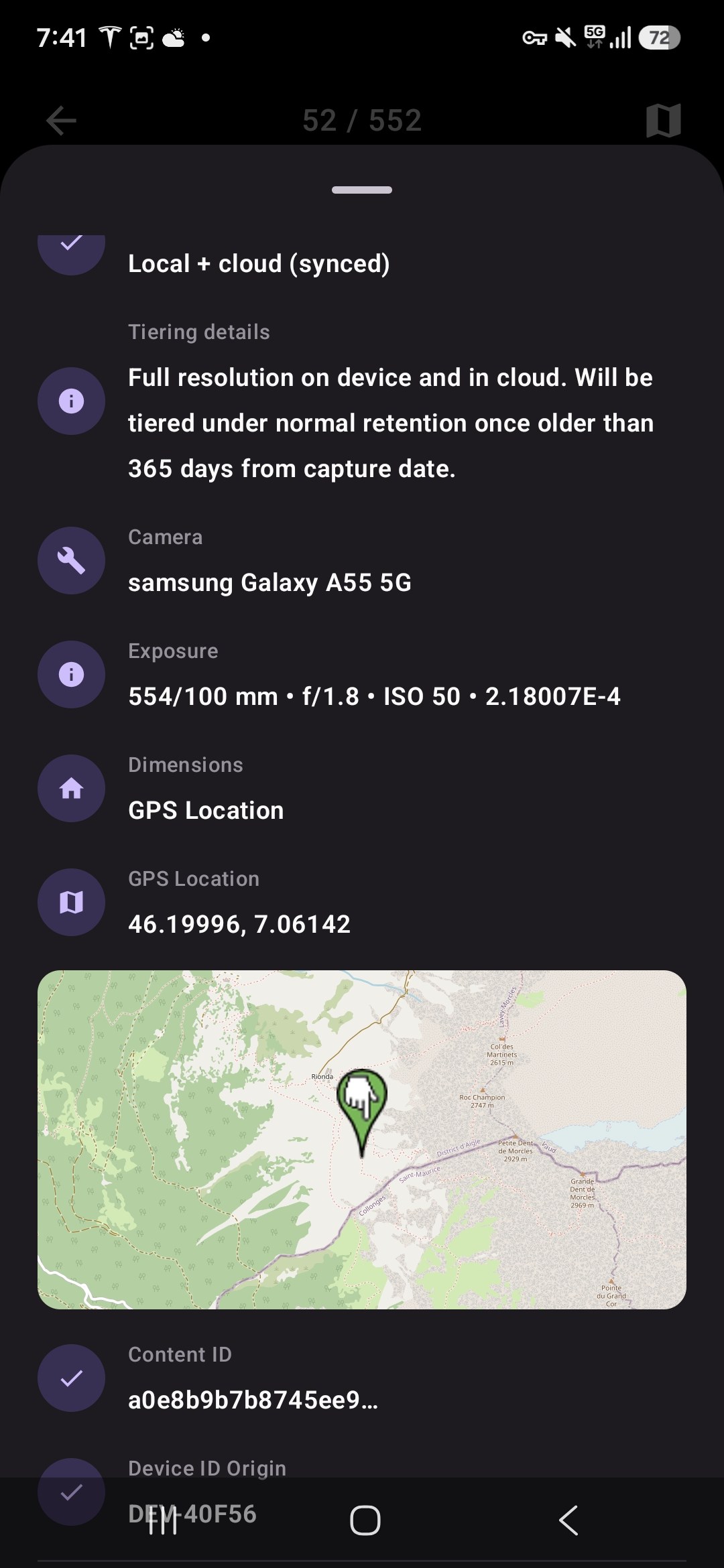
  • See photo status at a glance: local, synced, or cloud-only
  • Tag favorites to surface your best memories

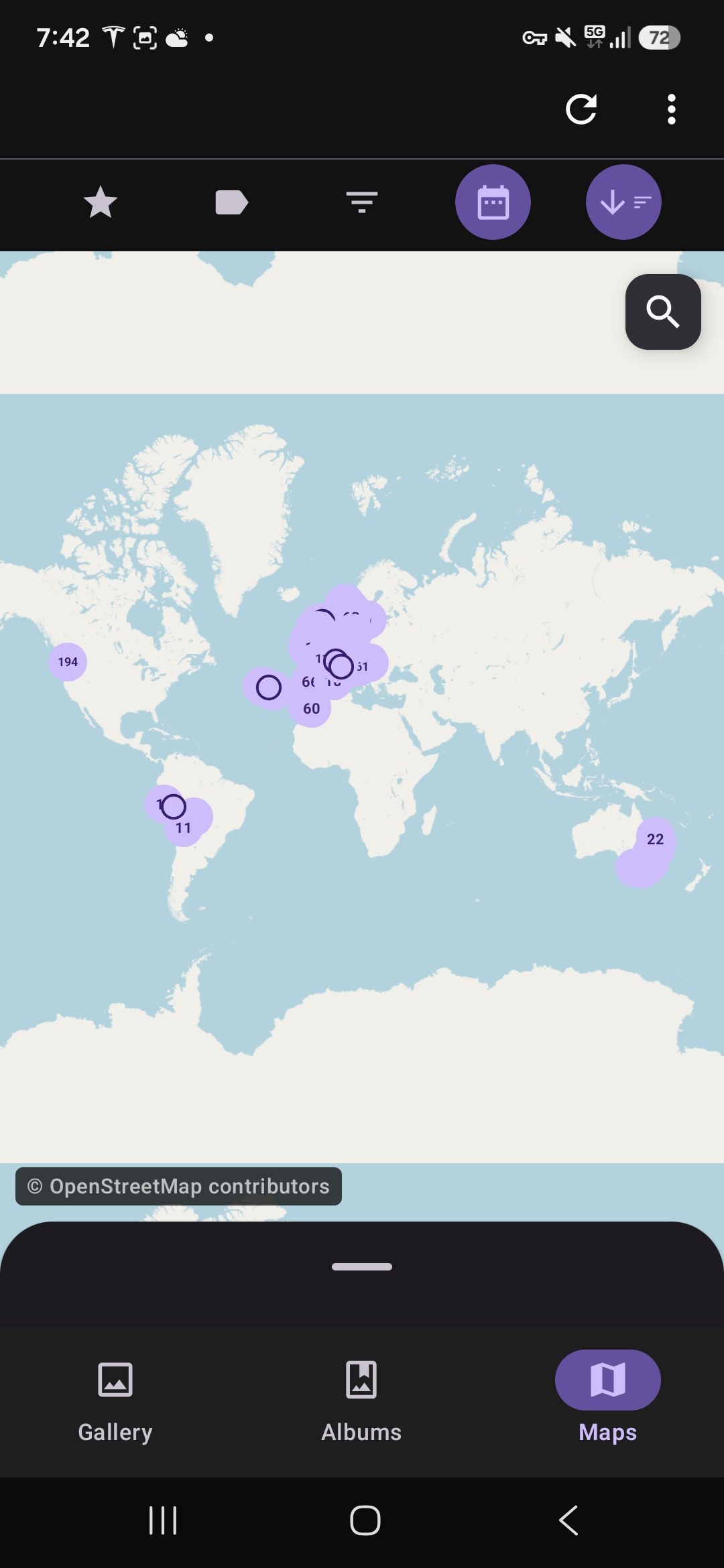
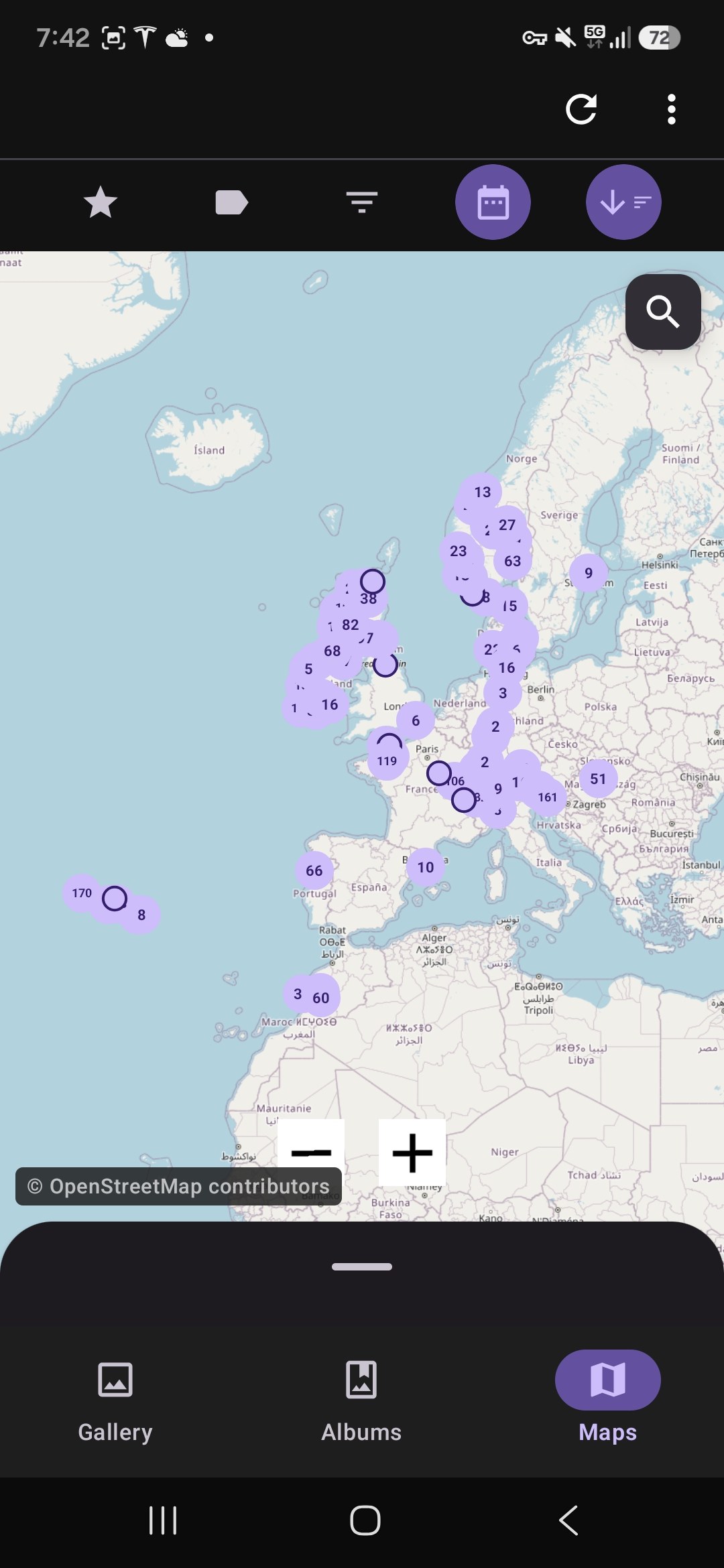
Interactive map & discovery

See your pictures plotted on a map based on where they were taken.

  • Filter photos by location directly from the map
  • Select photos from the map to create new albums
  • Relive specific trips with smart filtering

True two-way cloud sync

Manage your photos from anywhere — changes sync automatically.

  • Changes made in your cloud's web browser sync back to your device
  • Automatic database backup to your cloud for easy device migration
  • Recover favorites, tags, and settings when switching phones

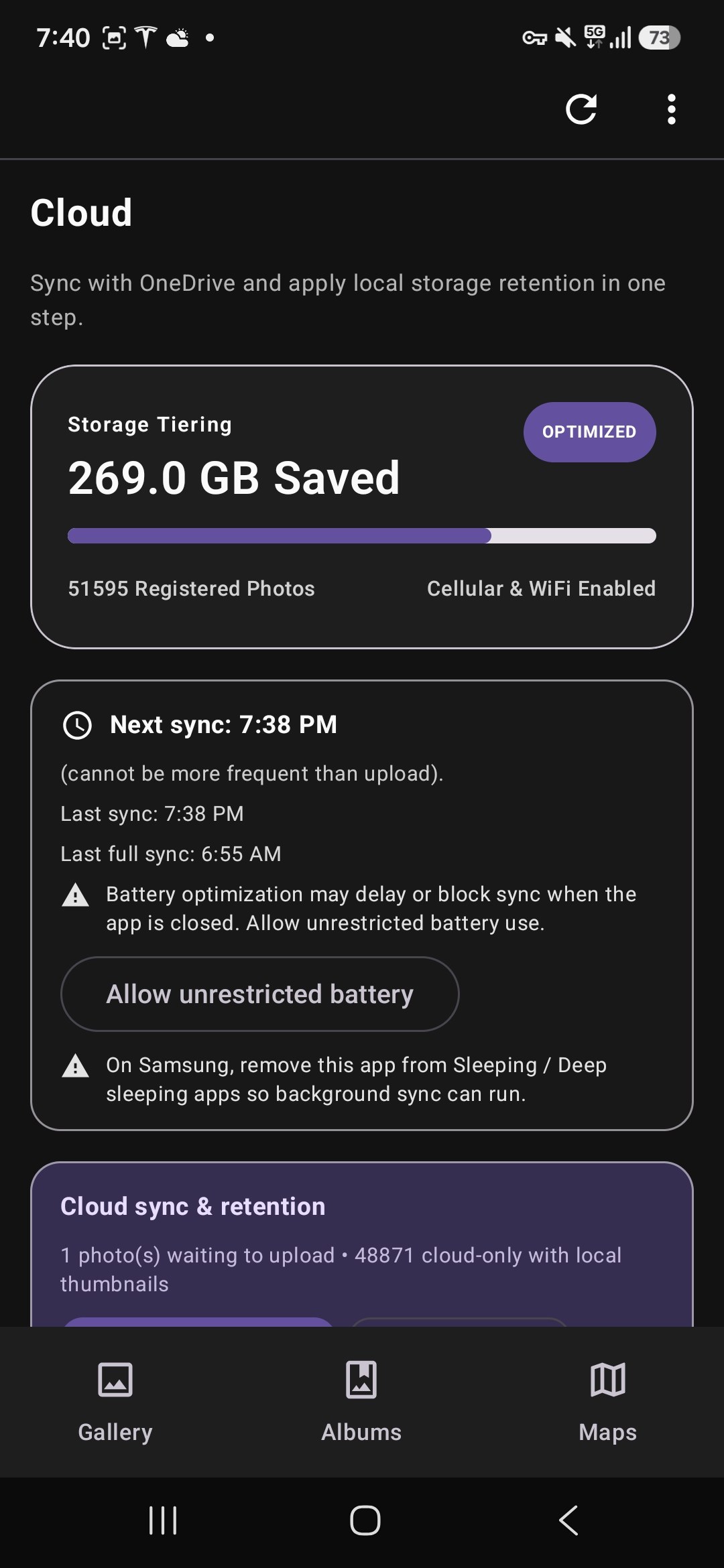
Smart storage management

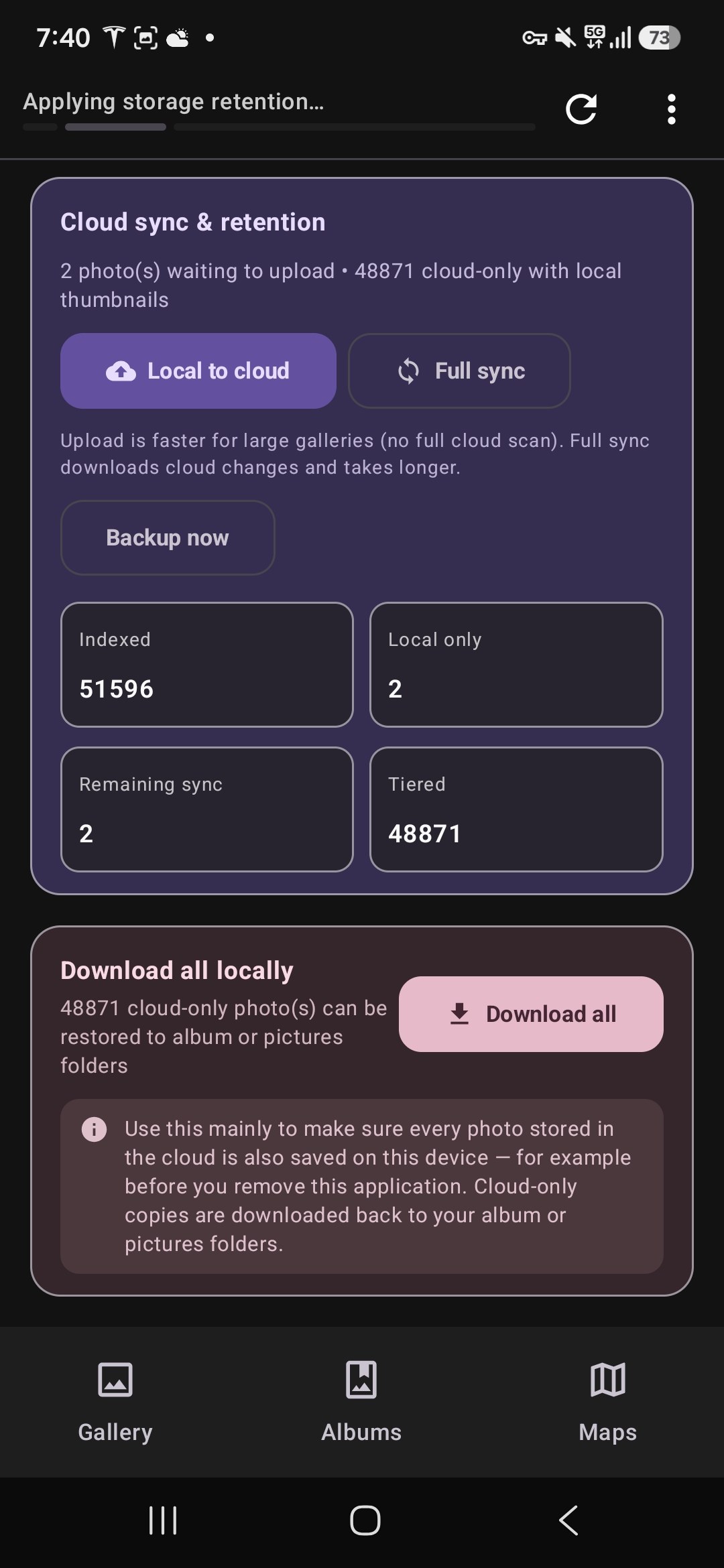
iCloud-style tiering for Android — save space without losing access.

  • Automatically move backed-up photos to the cloud with lightweight previews on device
  • Restore full-quality photos with one tap
  • Stop tiering anytime and download everything back — no vendor lock-in

Back up to your own cloud

Sync photos safely to Google Drive or OneDrive. More providers coming soon.

  • Optional cloud backup — you decide when and what to sync
  • Future-proof storage with additional providers planned
  • Flexible controls over folder access and sync schedules

Privacy first

Your photos are stored exclusively on your device and your personal cloud account.

  • We never store your photos on Nestria servers
  • No targeted ads based on your content
  • Usage analytics via Firebase Analytics — see our Privacy Policy

Frequently asked questions

How My Smart Gallery works with cloud folders, albums, large libraries, and device migration.

If I create a folder in my cloud (for example a trip folder) and put photos in it, will it appear as an album?

Yes. Once sync completes, that cloud folder becomes an album on your device as well.

If I move photos between albums in the app, does it move the files in the cloud?

Yes. Moves made in My Smart Gallery are reflected in your cloud folders on the next sync (manual or scheduled). Albums are not virtual references only — they map to real folders.

What is created in the cloud when I create an album in My Smart Gallery?

Creating an album on your device creates a folder in your local gallery directory. That folder is then mirrored as a new folder in your connected cloud (Google Drive or OneDrive) on the next sync.

Can the app use my existing cloud folder structure as albums?

Yes. Photos already organized in folders under your gallery directory in the cloud are assigned to matching albums automatically. Nested folder depths beyond one level are not supported yet.

Is a library of 50,000 photos a supported use case?

Large libraries are an active focus. We are running benchmark tests with around 50,000 items (photos and videos).

How much local storage and RAM does a large library need?

Exact figures depend on library size, thumbnail cache, and device. We are measuring typical database, thumbnail, and metadata footprints as part of the large-library benchmarks above. Reach out if you need guidance for a specific device or library size.

If I replace my phone, can I restore albums, tags, and organization from the cloud?

Yes. My Smart Gallery backs up its database to your designated cloud folder so tags and favorites are preserved. On a new phone, reinstall the app and reconnect the same cloud provider to restore them. We are also working on backing up thumbnails to the cloud so the app does not need to re-download full-resolution files only to regenerate thumbnails on device — that improvement is planned for an upcoming release.

Can I browse cloud-only photos and download full resolution only when needed?

Yes, once a photo or video has been indexed and tiered. For tiered photos, you can temporarily download the full-resolution file locally (it remains for 7 days before returning to tiered status). For videos, you can either temporarily download the file the same way, or stream it directly from your cloud provider without a temporary download.

Should I still keep my own backups?

Yes. To reduce the risk of data loss from misconfiguration, bugs, or unexpected issues, we strongly encourage regular backups of both your cloud and device media. You remain responsible for your data.
Free on Google Play

Your photos never pass through Nestria servers.

Download now